Virtual Wardrobe

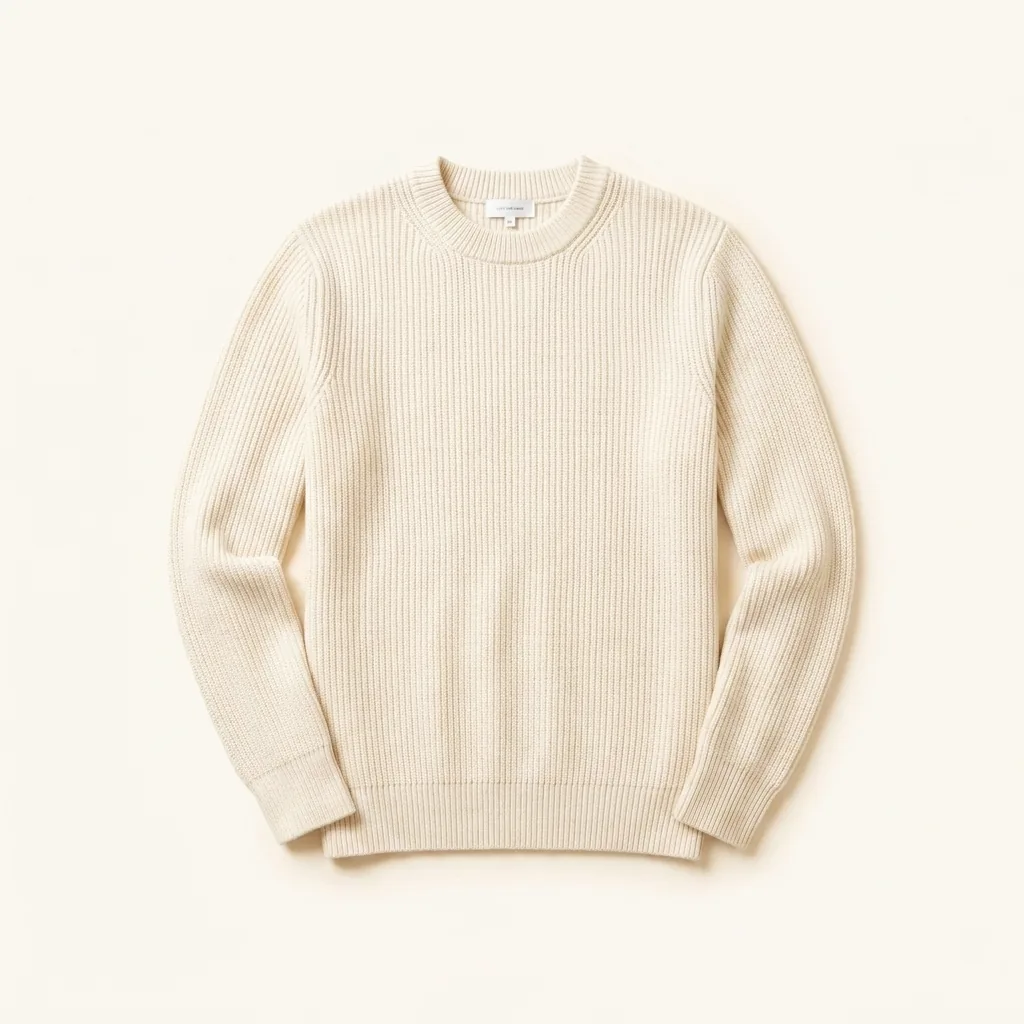
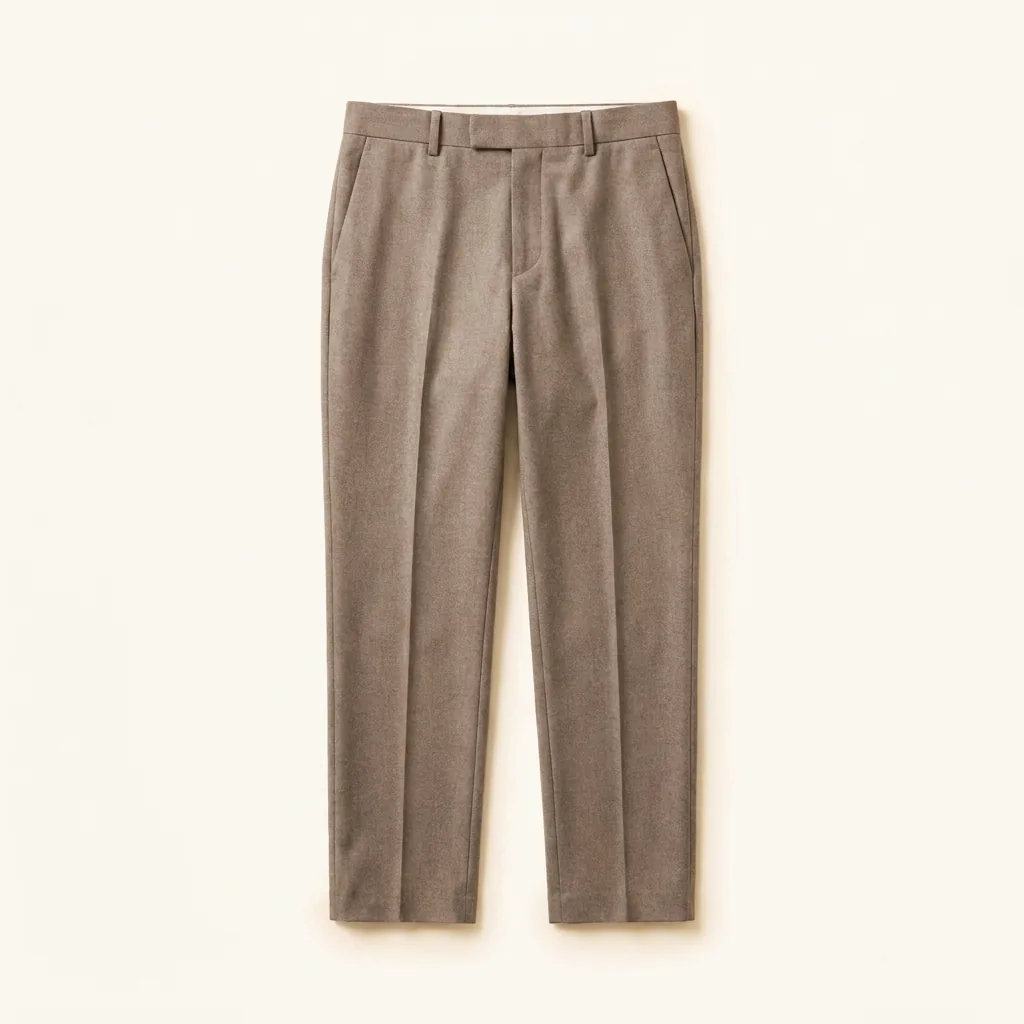
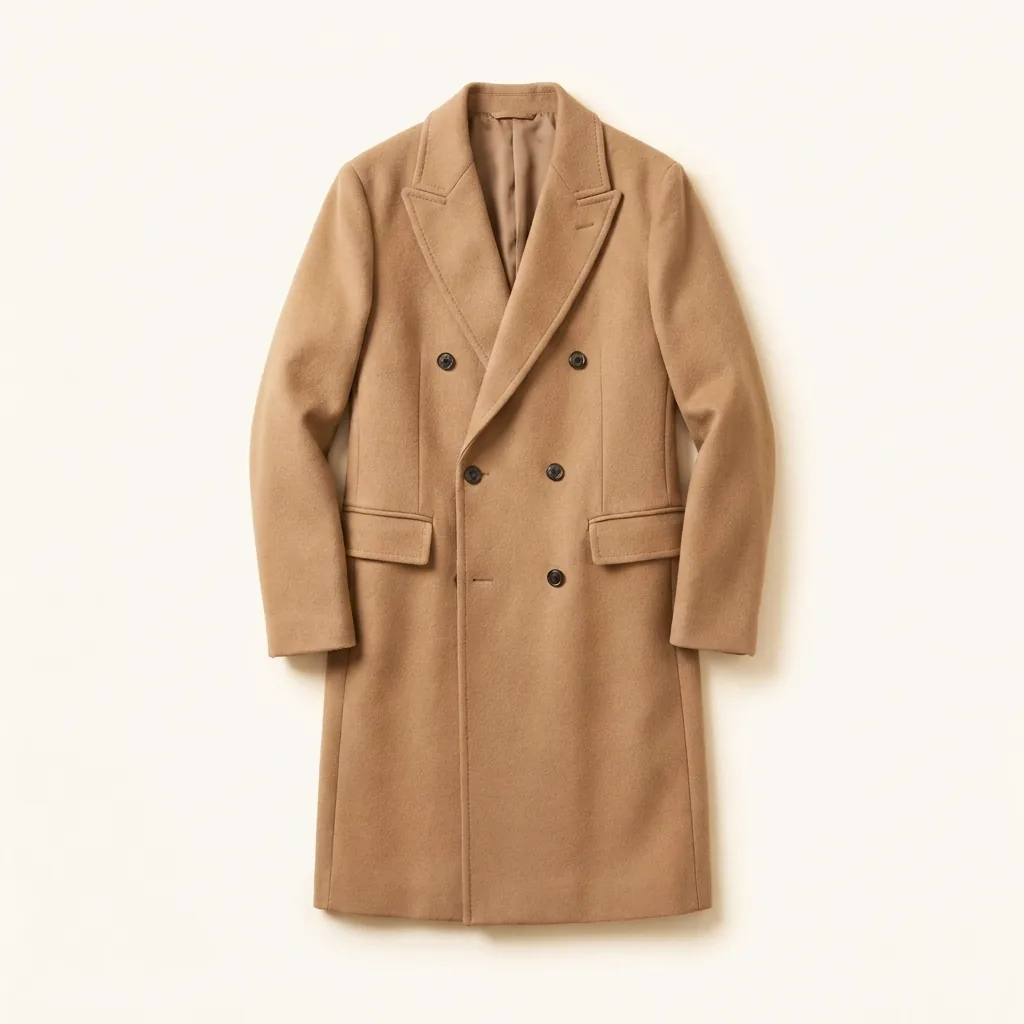
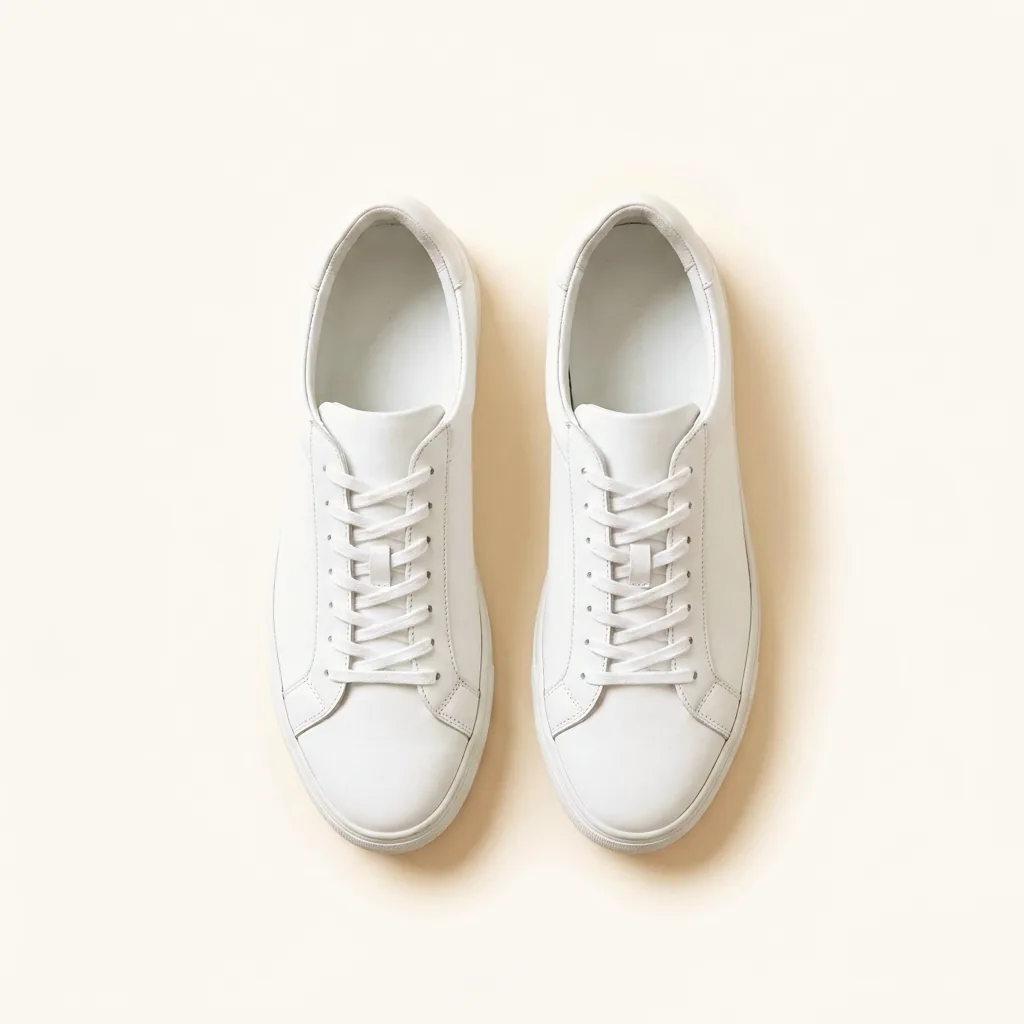
A virtual wardrobe is a digital copy of the clothes you already own — every piece photographed or imported by link, then organized so you can see and search your whole closet in one place. It is not a shopping catalogue or a mood board of clothes you wish you had. It is an honest inventory of what is actually hanging in your closet and folded in your drawers.

That distinction is the point. Most of us own more than we can picture, so we reach for the same handful of pieces and forget the rest. When every item becomes a clean, searchable card, the closet stops being a guess and becomes something you can plan against.

Era builds that wardrobe for you and then uses it as the foundation for everything else: outfits you assemble on a canvas, and daily suggestions from Ovi, your AI stylist, drawn only from pieces you already have.

How Era digitizes your closet

You add a piece one of two ways. Snap a photo of it, or paste a product link from where you bought it. Either path lands in the same place: a clean item card in your closet.

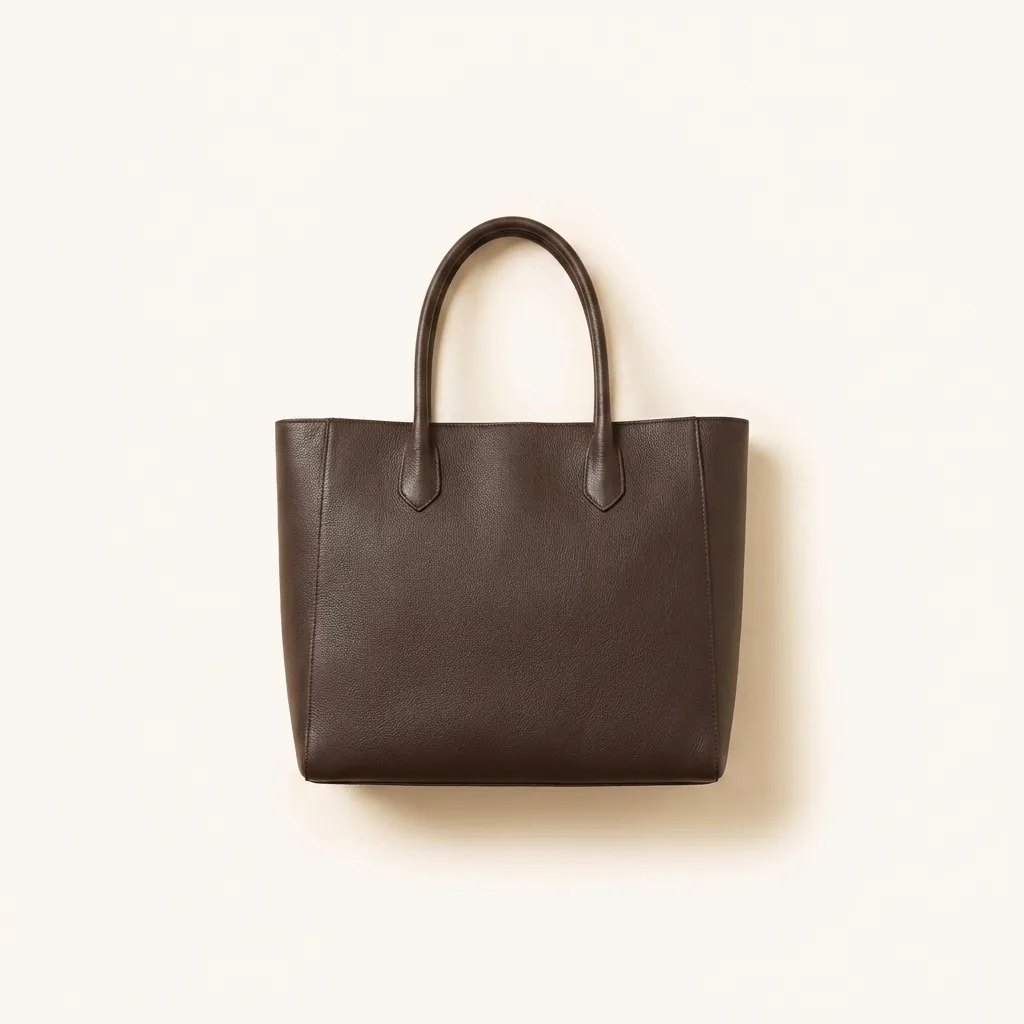
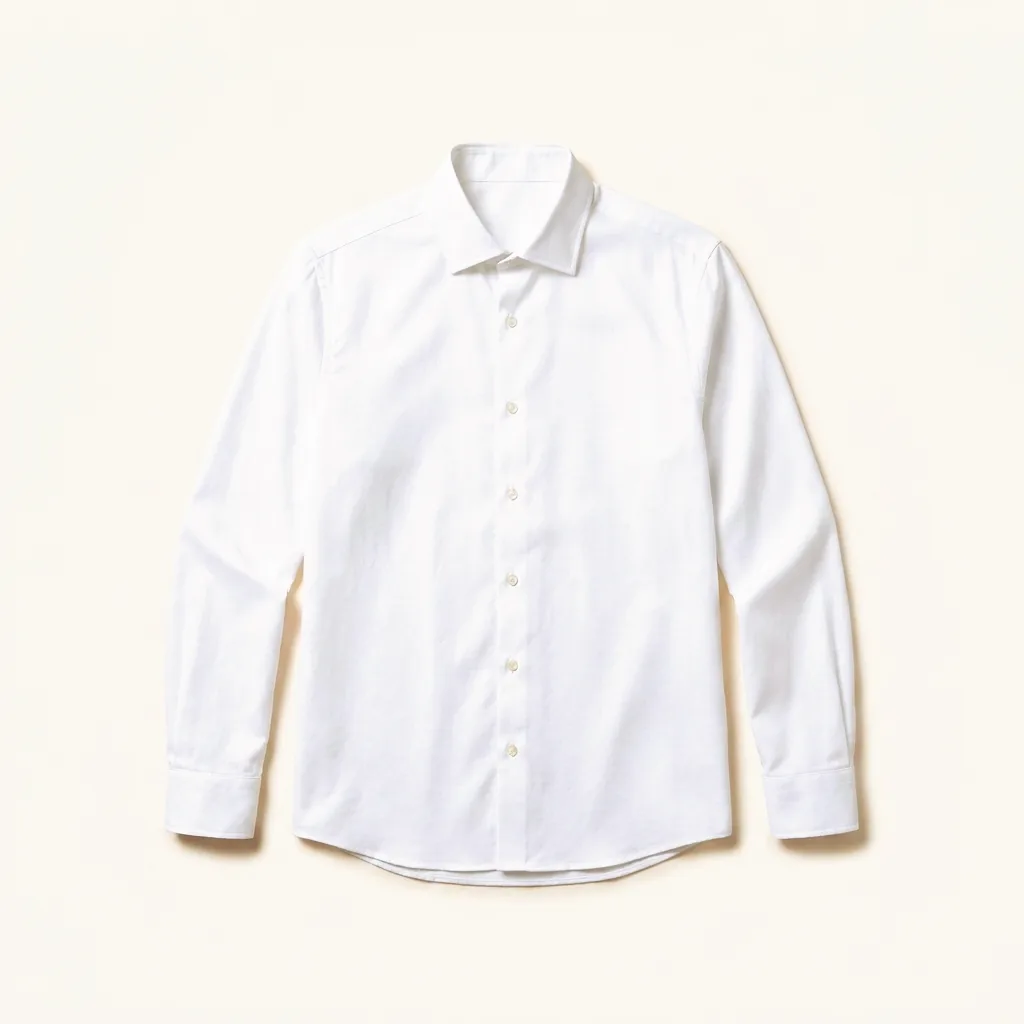
When you add by photo, Era removes the background so the garment sits on its own, then reads it to tag the category, colour, and other details that make it findable later. When you add by link, Era pulls the product image and the name and brand from the page, so importing something you bought online takes a paste rather than a photo shoot.

The tagging is what turns a pile of pictures into a wardrobe you can actually query. Once a piece is tagged, it can surface when you search, when you build an outfit, and when Ovi looks across your closet for something that works today.

What changes once you can see everything

The first thing a full digital closet gives you is sight. Seeing every piece at once is quietly clarifying — you notice the jacket you forgot, the three near-identical white shirts, the trousers that never get worn because you never remember them.

The second thing is honesty about gaps. When the closet is complete, a missing piece is obvious rather than assumed. You stop buying a fourth version of something you already have, and you can tell the difference between wanting something new and needing it.

The third thing is use. A wardrobe you can see is a wardrobe you wear. The whole point of digitizing is not to admire the grid but to get more out of the clothes already in the room.

A virtual wardrobe versus a spreadsheet or a notes app

People have tracked their clothes in spreadsheets and notes apps for years, and those work until they do not. A row that reads "black blazer" tells you nothing you did not already know, and a folder of camera-roll photos is impossible to search once it passes a few dozen images.

A virtual wardrobe is different because the items are structured, not just listed. Each piece is a tagged, background-removed card that other parts of the app can read — so the same closet that lets you browse also lets you build outfits and receive suggestions. The data does the work a flat list cannot.

Getting started

Building a virtual wardrobe does not have to happen in one sitting. Most people start with the pieces they reach for most, add a handful at a time, and let the closet fill in as they go. Recent online purchases are the fastest to add, since a link carries most of the details already.

Era is in early access. You can join the waitlist to be among the first to build your closet and meet Ovi when access opens.

Common questions

What is a virtual wardrobe?
A virtual wardrobe is a digital version of the clothes you already own, organized so you can see and search everything in one place. In Era, each piece is added by photo or product link and turned into a tagged, searchable card.
Is a virtual wardrobe worth it?
It is worth it if you own more than you actually wear, which is most of us. Seeing your whole closet at once helps you use forgotten pieces, avoid buying duplicates, and plan outfits from what you already have rather than shopping by default.
How do I add clothes to my virtual wardrobe?
You add a piece by taking a photo of it or pasting a product link. Era removes the background from photos and reads the product page for links, then tags the item so it lands in your closet ready to search and style.
Do I have to photograph every item myself?
Not always. Anything you bought online can be added by pasting its product link, which brings in the image and details for you. Photos are for the pieces that have no link, and Era cleans those up by removing the background automatically.
How is a virtual wardrobe different from a shopping app?
A shopping app shows you clothes to buy. A virtual wardrobe shows you the clothes you already own. Era is built around what is in your closet, and it only suggests buying something when there is a genuine gap you cannot fill with what you have.